How to Automate Inventory Tracking for Retail and Distribution Businesses
The four building blocks
Manual inventory tracking is a tax on your time that you pay every single day. Counting stock by hand, updating spreadsheets, calling branch managers to ask what they have in stock, running reorder calculations in your head. It works until it doesn't — and when it stops working, you find out through a stockout, a customer complaint, or a stock discrepancy that nobody can explain.
Automation doesn't mean replacing your team with robots. It means replacing the repetitive, error-prone tasks with systems that execute them faster and more accurately than any person can. Here's what inventory automation actually looks like for retail and distribution businesses operating in the real world.
What "Automated Inventory Tracking" Actually Means
Strip away the marketing language and automated inventory tracking comes down to four things:
Stock levels that update themselves. When a sale happens, stock decreases. When a delivery arrives and is scanned in, stock increases. No one has to open a spreadsheet, find the right row, and type a new number. The system records the movement at the moment it happens.
Alerts that trigger without human intervention. When a product drops below a threshold you've set, the system notifies the right person automatically. No one has to check a report. No one has to remember. The system watches your stock levels 24 hours a day and tells you when action is needed.
Documents that create themselves. When a reorder is triggered, the system generates a purchase requisition — a document listing what needs to be ordered, how much, and from which supplier — so you can review and send it rather than building it from scratch.
Records that write themselves. Every stock movement, adjustment, transfer, and scan is logged automatically with a timestamp, the person who did it, and the reason. Your audit trail builds itself while your team just does their work.
The Building Blocks of Inventory Automation
Barcode Scanning: The Entry Point
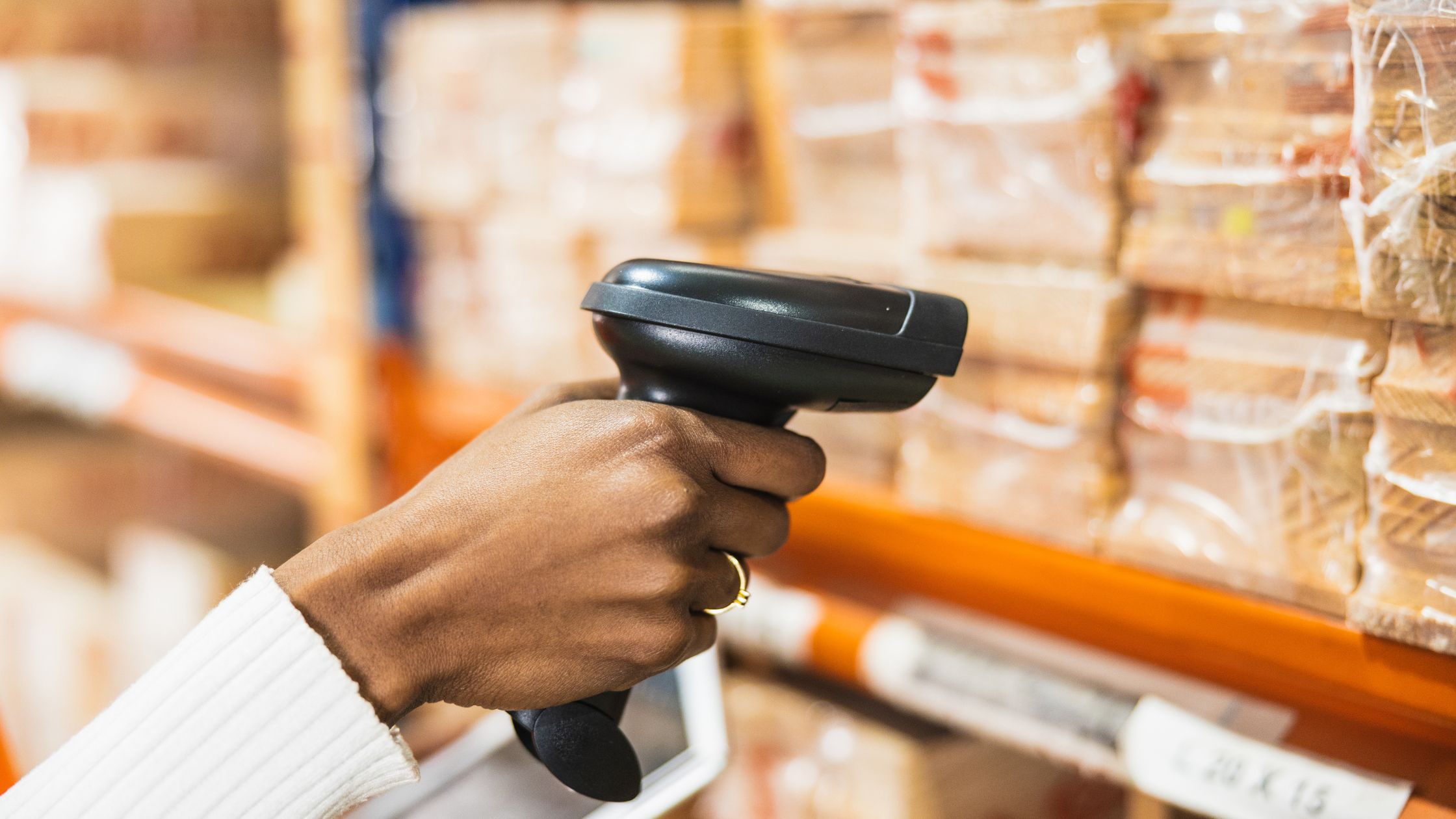
Barcode scanning is the simplest automation you can implement, and it has the highest immediate impact. Instead of typing a product name or SKU into a spreadsheet, you scan the barcode. The system identifies the product, pulls up the current stock level, and lets you adjust it in one tap.
What makes modern barcode scanning particularly accessible is that you don't need hardware. Most inventory platforms now support scanning through your phone's camera. Point your phone at a barcode, and the product appears on screen. This works for receiving deliveries (scan each item as it arrives), stocktakes (scan and count), and even point-of-sale adjustments.
The automation here isn't the scan itself — it's the elimination of manual data entry. Every manual entry is an opportunity for error: wrong SKU, wrong quantity, wrong location. Scanning removes that entirely.
Automatic Reorder Alerts
Reorder alerts are the automation that most directly prevents revenue loss. The concept is simple: you set a reorder point for each product (the minimum stock level at which you should place a new order), and when stock hits that number, the system alerts you.
The reorder point formula itself isn't complicated:
Reorder Point = (Average Daily Sales × Lead Time in Days) + Safety Stock
Example: If you sell 10 units per day, your supplier takes 5 days to deliver, and you want a 20-unit buffer:
Reorder Point = (10 × 5) + 20 = 70 units
When stock hits 70, you order. Not at 50. Not at zero. Not when someone "remembers."
The power of automation here is consistency. A human might check stock levels once a day, or once a week, or only when they remember. An automated system checks continuously and never forgets.
Better systems go further: when the reorder point is hit, they don't just alert you — they generate a purchase requisition with the product, quantity, and supplier pre-filled. You review, approve, and share it with your supplier. The entire reorder process goes from a manual, multi-step task to a two-click approval.
Real-Time Multi-Location Sync
For businesses operating across more than one location, real-time sync is the automation that changes everything. In a manual system, each location maintains its own stock records (often in separate spreadsheets). Someone at headquarters has to collect, merge, and reconcile these records regularly. By the time the consolidated view is ready, it's already outdated.
In an automated system, every stock movement at every location updates a single, centralised dashboard in real time. The warehouse receives 200 units? The dashboard reflects it immediately. The Lekki storefront sells 15 units? The dashboard knows. A transfer of 50 units moves from the warehouse to the Abuja branch? Both locations update simultaneously, and the transfer is logged.
This eliminates the reconciliation problem entirely. There's no merging of spreadsheets, no conflicting numbers, and no version of the truth that's three days old.
E-Commerce Integration
If you sell through an online store (WooCommerce, Shopify, or similar), automation means your physical inventory and online inventory are always in sync. When a product sells online, the stock decreases in your inventory system. When you receive a new shipment and scan it into the system, the available quantity on your website updates.
Without this integration, you're manually updating stock on your website every time something changes in your warehouse. That's a recipe for overselling (listing products as available when they're actually out of stock) or underselling (showing products as unavailable when you have plenty).
What You Can Automate Today vs. What Requires Infrastructure
| Automation | What You Need | Implementation Time |
|---|---|---|
| Barcode scanning | A smartphone with a camera + an inventory app that supports browser-based scanning | 5 minutes |
| Reorder alerts | Products with reorder points configured + an inventory system with alert functionality | 30 minutes (initial setup for top products) |
| Purchase requisitions | Reorder points set + a system that auto-generates requisition documents | Included with alert setup |
| Multi-location sync | An inventory platform that supports multiple locations with real-time data sharing | 15 minutes (create locations + assign team) |
| E-commerce sync | A platform with native integration to your store (e.g., WooCommerce plugin) | 30–60 minutes (connect, map products) |
| Audit trail | An inventory system that logs actions automatically (no additional setup) | 0 minutes (runs in background) |
The ROI of Automation
Inventory automation pays for itself through four mechanisms:
Reduced stockouts. Every stockout is a lost sale and, often, a lost customer. Automated reorder alerts catch low stock before it becomes no stock. Even preventing one stockout per month on a product with a ₦20,000 margin more than covers the cost of most inventory tools.
Reduced dead stock. When you can see what's moving and what's sitting across every location, you stop over-ordering slow movers and start reallocating inventory to where it sells. Capital that was locked in dead stock becomes capital that generates revenue.
Reduced shrinkage. An audit trail that logs every adjustment with a name and timestamp doesn't just catch theft — it prevents it. When people know their actions are recorded, behaviour changes.
Reduced labour hours. The hours your team spends counting, reconciling, and updating spreadsheets are hours they're not spending on sales, customer service, or operations. Automation gives those hours back.
Getting Started
You don't have to automate everything at once. Start with the highest-impact, lowest-effort step: barcode scanning and reorder alerts. These two automations alone eliminate the two most common inventory failures (data entry errors and late reorders) and can be set up in under an hour.
From there, add multi-location sync, team permissions, and e-commerce integration as your operations grow. The key is choosing a platform that supports all of these from the start, even if you don't activate them all on day one.
Ceazr supports barcode scanning, automatic reorder alerts, purchase requisitions, multi-location sync, and WooCommerce integration — all from your browser, no app download required. Set up in 5 minutes → ceazr.com